

What is a vector layer?
Vector layers are stacked sections within a design file that contain vector artwork. Each layer can hold individual objects or groups of objects. Designers can show, hide, lock, or edit each layer without affecting others.
Vector graphics use mathematical paths made from points, lines, and curves. These paths scale to any size while maintaining sharp edges. Because the artwork remains editable, designers can adjust colours, shapes, and positions throughout the design process.
A typical file might include layers for:
- Background artwork
- Logos or branding elements
- Text and typography
- Decorative graphics or patterns
What are some vector formats? Vector files come in a range of file formats including:
.AI (Adobe Illustrator)
.SVG (Scalable Vector Graphics)
.EPS (Encapsulated PostScript)
.PDF (Sometimes, if saved as a vector)
Important: Please note that placing a raster image (JPG or PNG) into Illustrator and saving it as an .AI file does not convert the image into a vector.
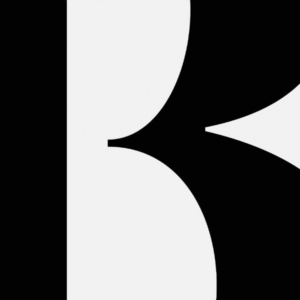
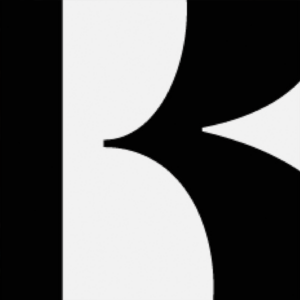
How Vector Layers Work
Layers act as an organisational structure inside design software such as Adobe Illustrator or InDesign. Objects placed on a layer stay grouped with that layer until moved elsewhere.
Designers use several common layer controls:
- Visibility – show or hide layers to focus on specific parts of the design.
- Locking – prevent accidental edits to finished elements.
- Ordering – move layers above or below others to control what appears in front.
- Grouping – organise related objects within the same layer.
This system allows designers to edit one part of the artwork without disrupting the rest of the layout.
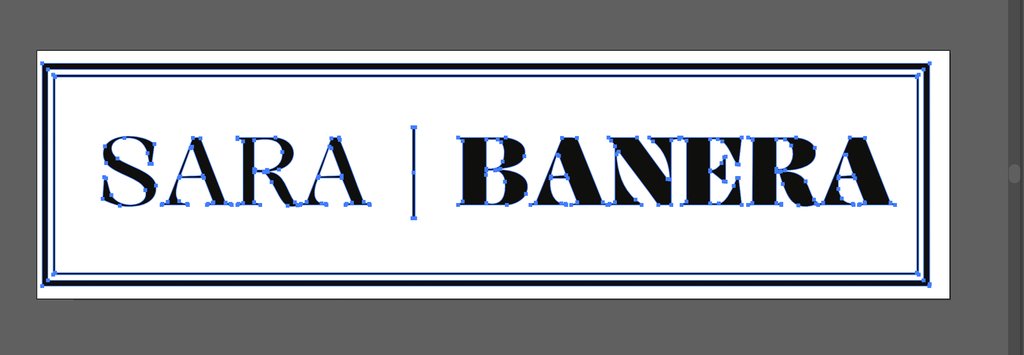
How to check if your logo is a vector?
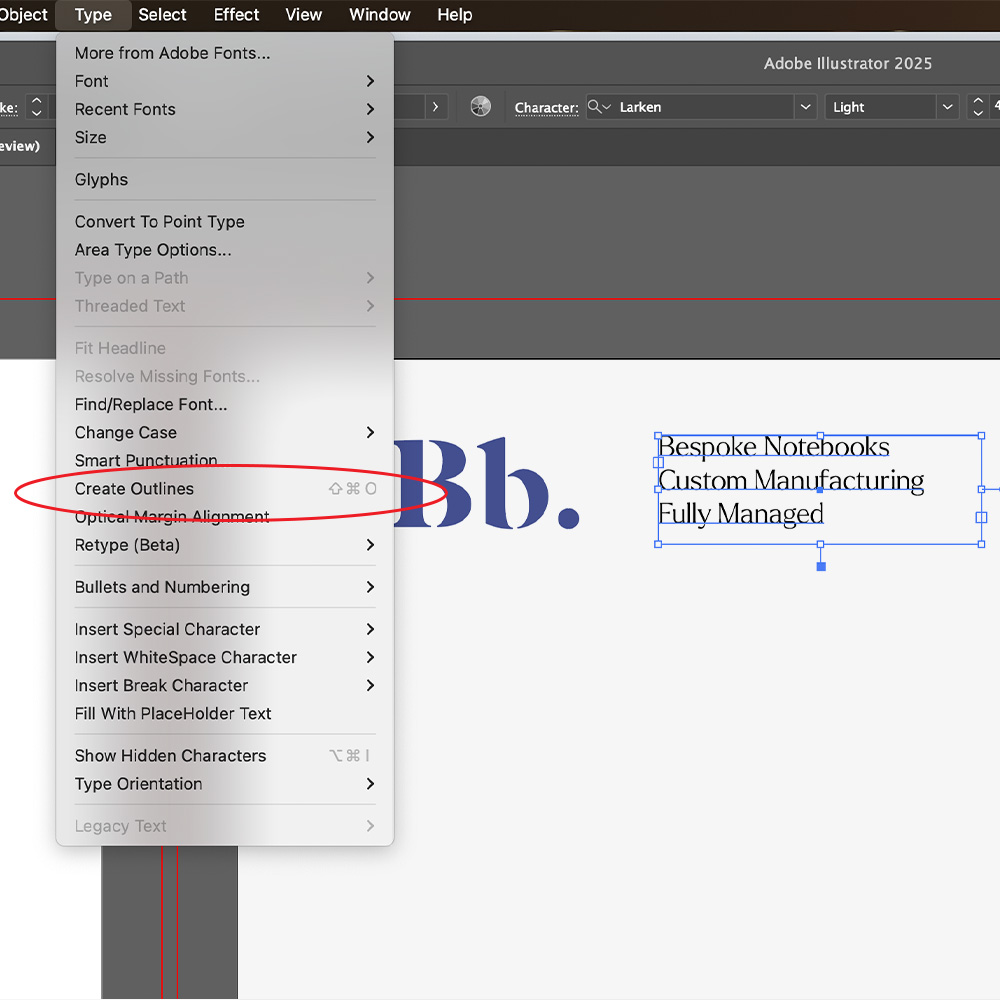
Open the logo file in Adobe Illustrator and click on the logo.
If you can select and edit individual shapes, lines, and points, it’s a vector.
If it’s just one flat image with no editable parts, it’s a JPEG or raster image.
Why Designers Use Vector Layers
Vector layers support accuracy, efficiency, and clear file structure. They help designers manage complex artwork and prepare files for production.
Key benefits include:
Organisation
Separate layers keep different elements distinct, which makes files easier to navigate and update.
Editing control
Designers adjust individual elements without affecting the entire design.
Production readiness
Clear layer structures support print preparation. Production teams can identify elements such as cut lines, artwork, or finishes.
Scalability
Vector graphics maintain quality at any size. Designers resize artwork for different formats without losing detail.
Vector Layers in Print Design
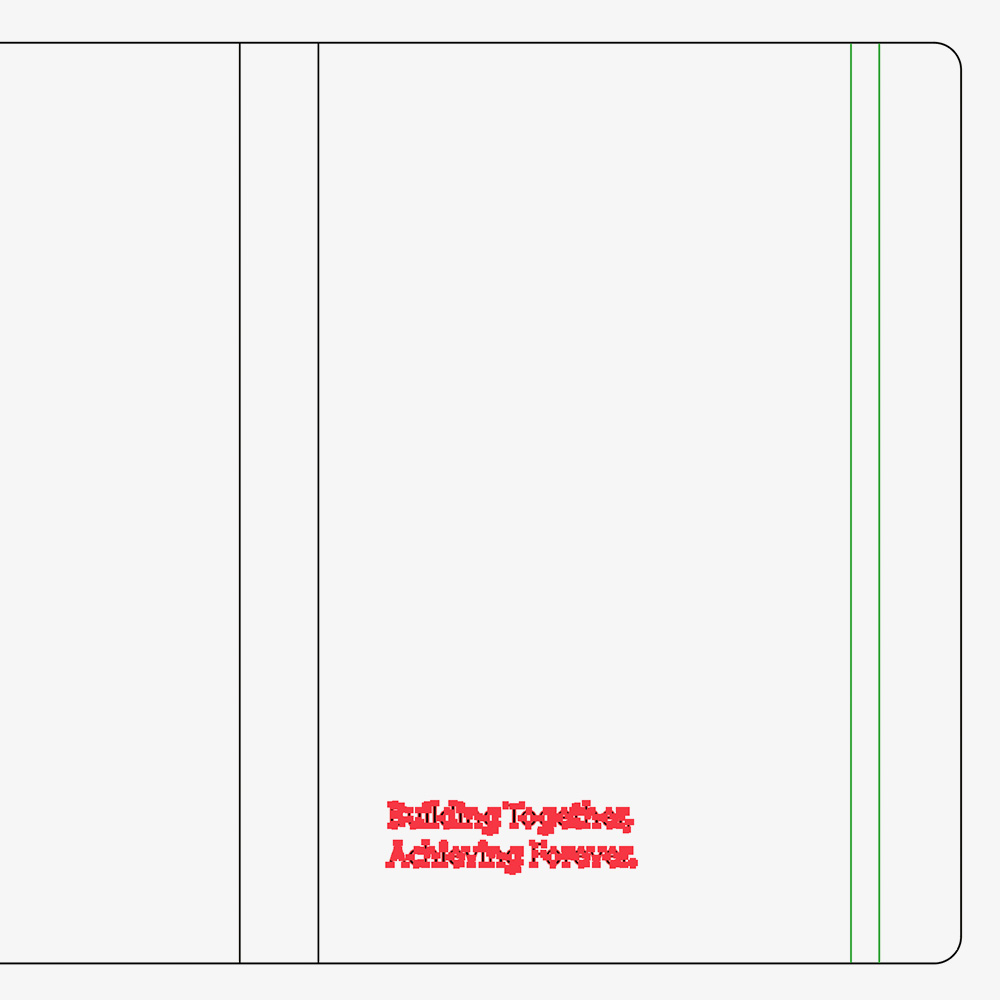
Vector layers play an important role in print production. Print-ready files often include layers for specific production elements, such as:
- Artwork layers
- Cut or trim lines
- Spot colours
- Special finishes such as foil or embossing
Separating these elements helps printers interpret the file correctly and produce accurate results.
Ensuring your artwork files are in vector format is incredibly important when it comes to print, so to ensure your documents are setup correctly, you can follow our Vector resource guide on how to vectorise your design elements.
Final Thoughts
Vector layers provide structure inside a design file. They organise artwork, support precise editing, and prepare designs for production. Designers rely on layered vector files to manage complex layouts and deliver clean, scalable artwork across print and digital projects.