

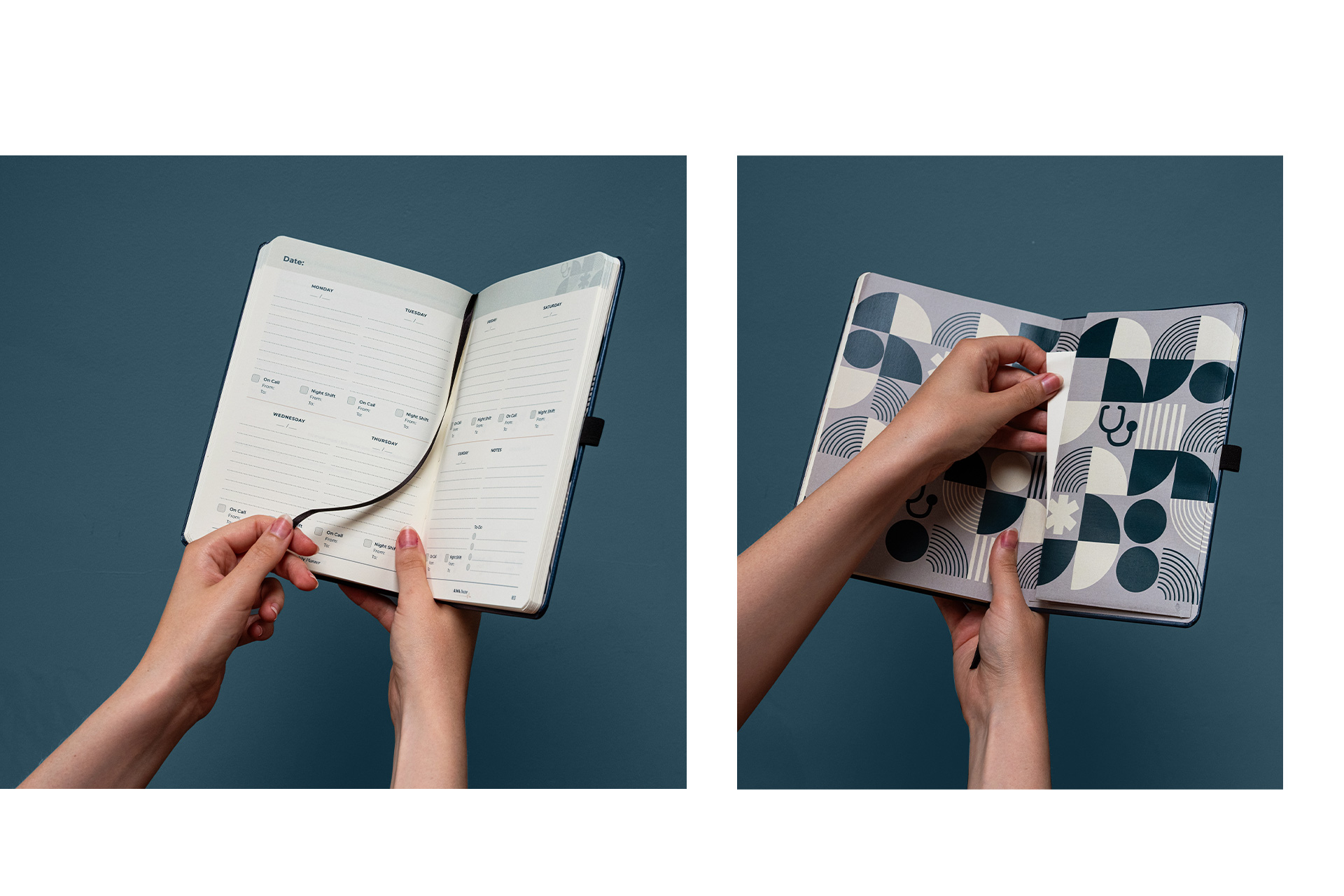
The inside pages of a journal are where structure and purpose meet creativity and design. Good interior design enhances usability and ensures printed output aligns with your brand’s identity and goals. At Bookblock, the journey from initial idea to print-ready files is supported by tools, templates, guidelines, and expert design services that guide every stage of the process.
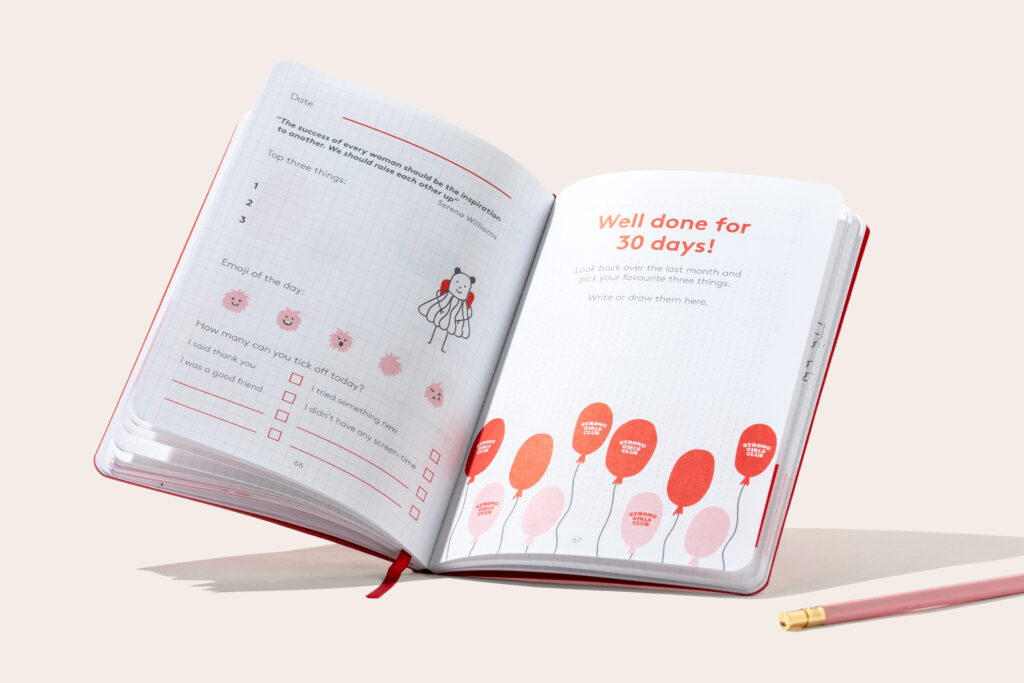
Define the Interior Concept
Design begins with a clear concept. Decide what the journal is meant to do. Consider:
- Core content types (e.g., daily planning, guided prompts, reference material)
- Page flow and structure
- Audience needs and behaviour
Early planning sets the direction for page layout, pagination, and artwork resources. Pagination refers to how pages are ordered and prepared in a file, including numbering and spread relationships that will translate into print correctly. Establishing a content outline often represented as simple page spreads in presentation tools ensures alignment across the design process.
Explore Existing Templates
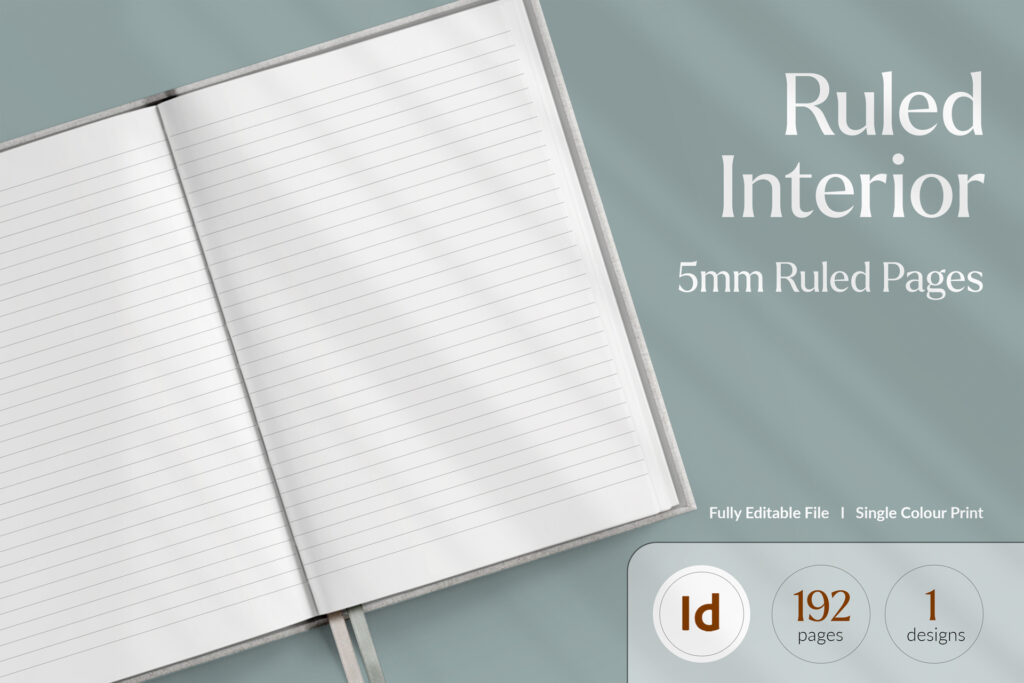
Bookblock offers a range of pre-designed page layouts that can be adapted to your project. These stock templates include:
- Ruled pages
- Dot grid
- Planner formats
- Diaries and organisers
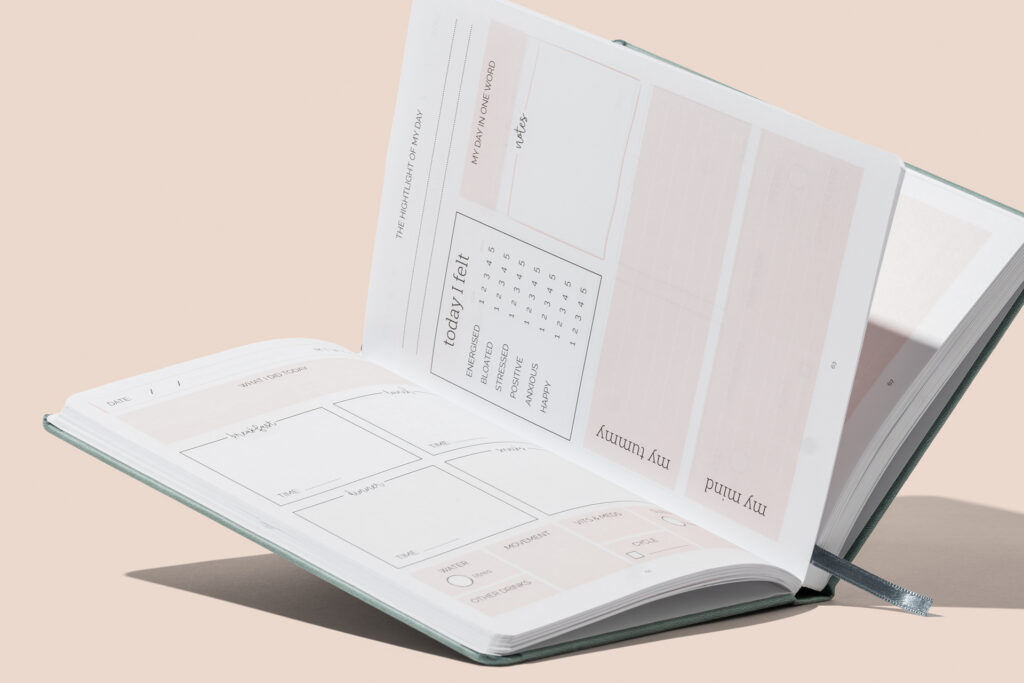
Using existing templates accelerates design work and standardises structural elements such as margins, grids, and line spacing. Templates come with basic formatting that aligns with common notebook use cases, reducing time spent on initial layout decisions. Designers can build on these templates to add custom content, prompts, or other unique elements.
Templates are available for different page formats and sizes, and they can be accessed as part of the broader design resources published by Bookblock to support artwork setup and pre-press preparation.
Prepare Artwork to Print Specifications
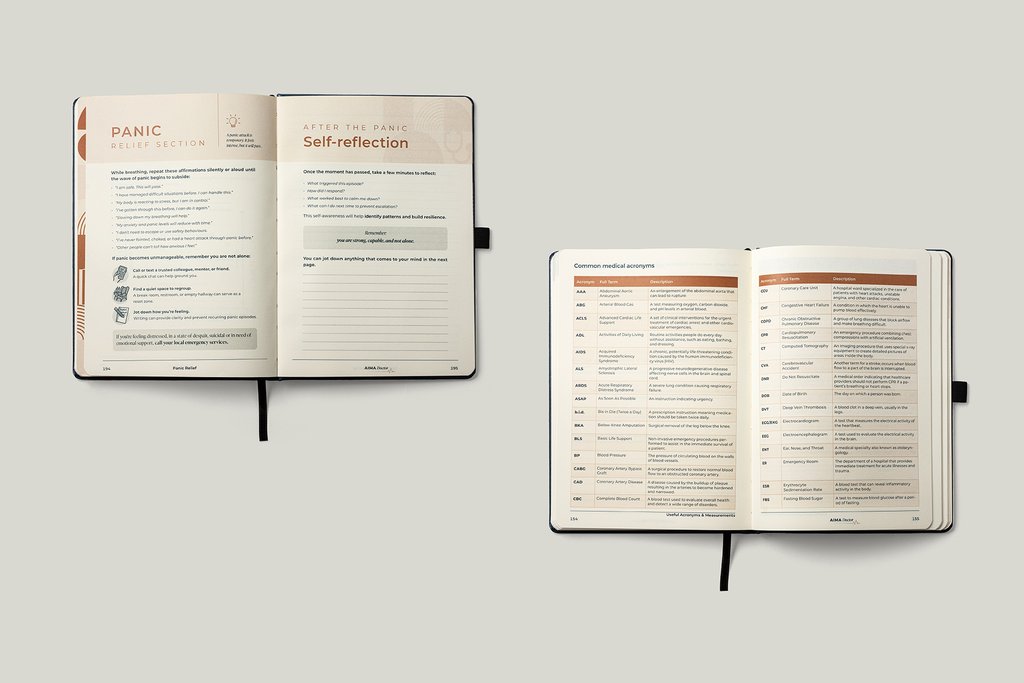
Turning design files into print-ready artwork requires adherence to technical specifications. Bookblock’s artwork setup guidelines offer detailed requirements for inside pages, including:
- File formats and dimensions
- Bleed and margin requirements
- Resolution standards
- Colour profiles
Artwork must be formatted in CMYK or greyscale, with images at 300 dpi resolution, and include a defined bleed area that extends beyond the trim edge to prevent white borders after cutting. All text and key elements must reside within safe margin zones to ensure visibility after trimming. Files should be exported to PDF with correct colour profiles and pagination in reading order.
A quick setup checklist includes confirming colour profile, embedding images, outlining text where necessary, including bleed, and naming files clearly. This ensures print accuracy and reduces delays during pre-press review.
Use Artwork Guides and Resources
Bookblock publishes artwork guides that walk through specific setup requirements for different notebook elements. These guides cover topics such as:
- Bleed and safety area setup
- Page sequence and numbering
- Image placement and format
- Colour profile expectations
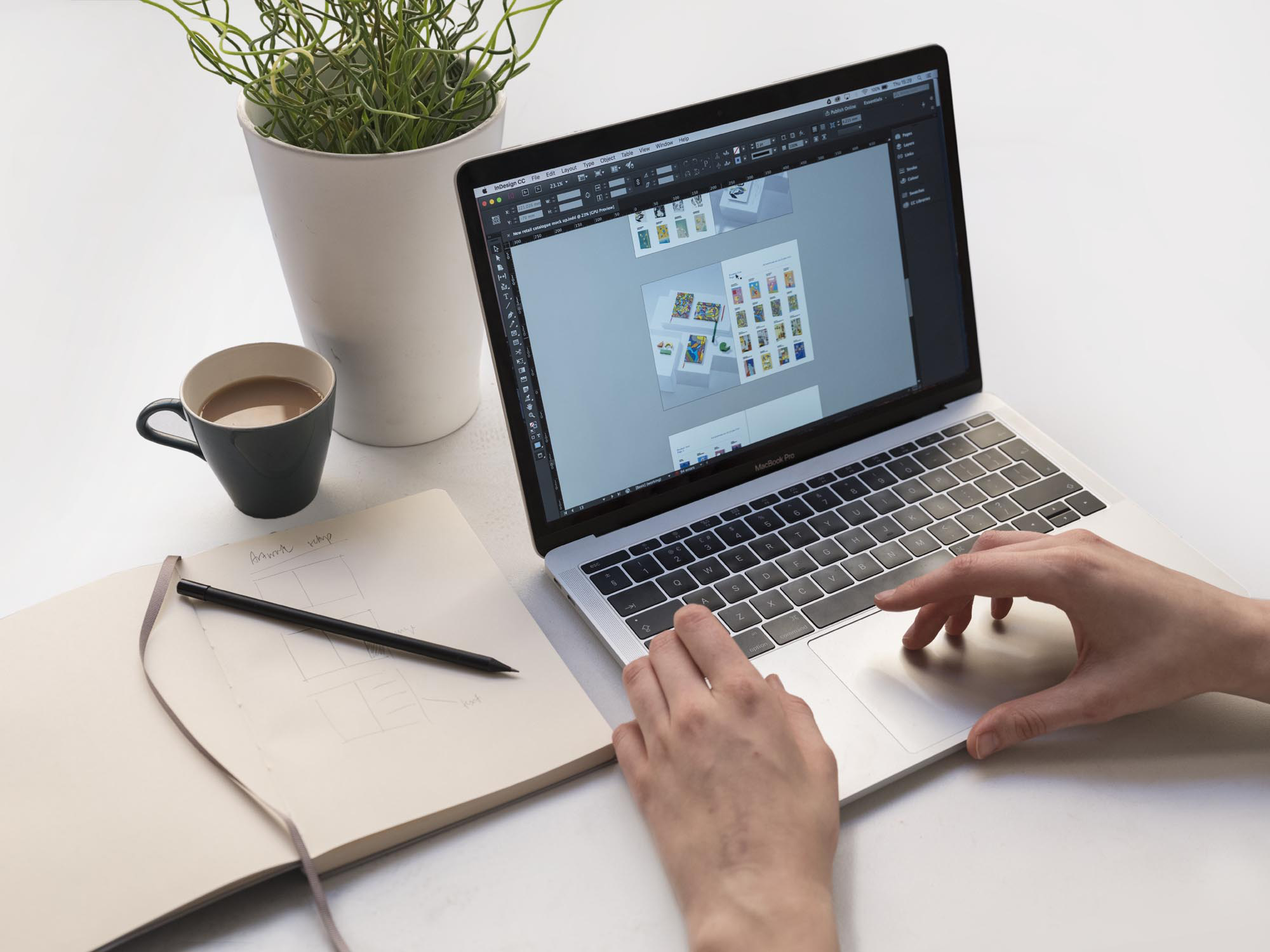
These resources provide technical definitions, example settings in design software, and reminders of print standards. Designers benefit from guidelines that clarify how visual elements will translate from screen to paper, and how tools like Adobe InDesign, Illustrator, and Photoshop support professional file preparation.
Submitting Designs and Artwork Services
Access Design Support Services
For interior pages that require bespoke design, Bookblock offers design services to support the journey from concept to production-ready artwork. Support options include:
- Artwork review and finalisation
- Conversion of existing designs to print-ready PDFs
- Design creation from concept, including sample spread development
- Consultation and iterative feedback sessions
These services ensure files meet print standards and adhere to brand requirements. Artwork services cater to projects where design work is incomplete, where files need adjustment, and where full design support is requested. Designers can work with your concept, develop structured journal layouts, and prepare files that meet all technical criteria before production.
Design services extend to converting designs originally created in environments such as Canva into print-ready formats, covering bleed setup, correct colour profiles, and vectorisation of text and graphics. Pricing and scope vary with project complexity.
Final Steps Before Print
Once artwork is prepared, it goes through review and approval. This includes:
- Checking pagination and layout consistency
- Confirming colour profiles and image quality
- Verifying bleed and safe margins
- Reviewing proof visuals against expected output
This final review prevents production errors and ensures the printed journal interior matches design intent. Bookblock’s support team remains available to answer technical questions and to validate that files are positioned for accurate print execution.
Summary
Designing journal inside pages requires planning, structure, technical preparation, and alignment with production requirements. Beginning with a defined concept, leveraging existing templates, and using published artwork guides helps streamline the process. Professional design support is available for projects that need artwork creation, conversion, or review. Following print setup guidelines including bleed, margin, resolution, and colour profiles ensures files are ready for production and deliver the desired finished quality. Whether you use pre-designed layouts or custom designs, Bookblock’s resources and services support every stage from concept to print-ready files.