

Spot UV Varnish
Spot UV printing is a printing technique that applies a clear, shiny coating to specific areas of your design giving it a premium, glossy finish. UV varnish is used to highlight key elements, such as logos or text by making them stand out against a matte or uncoated background.
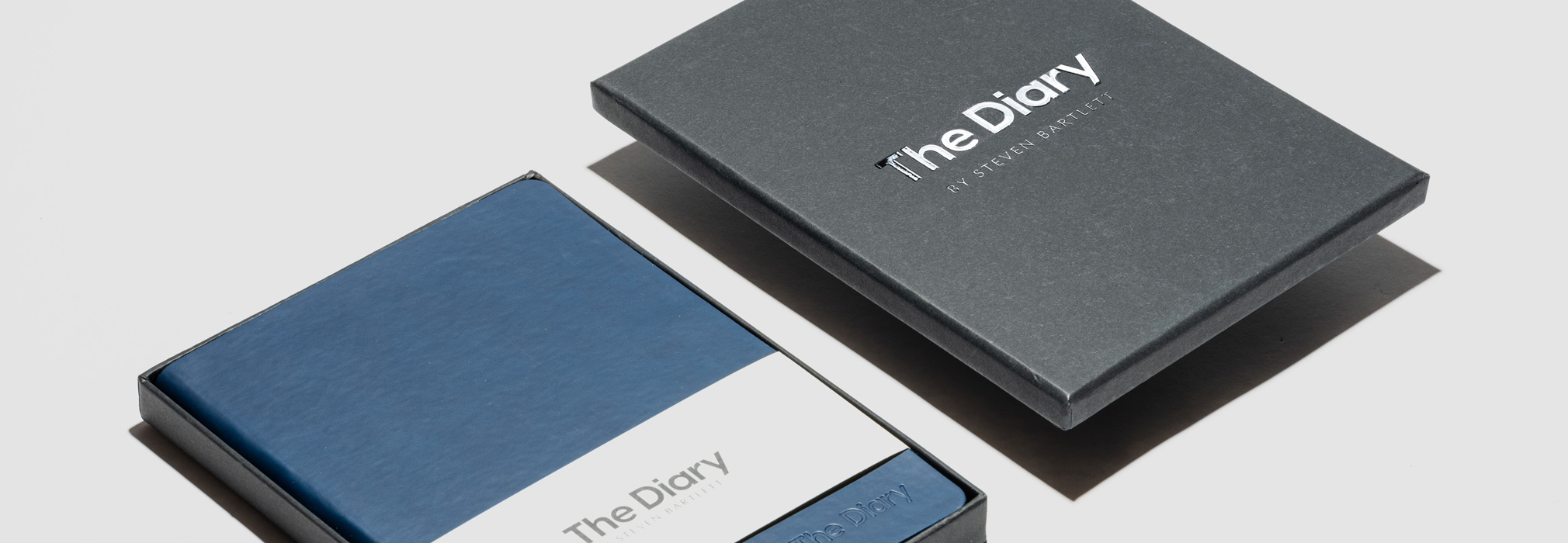
Why should I use UV spot varnish?
UV Spot varnish is the perfect way to add extra texture and minimal finishing touches to your design. The gloss on matte contrast helps to elevate designs and give them a premium feel.
UV Varnish can be featured on all printed materials including notebook covers, boxes, notecards and pens.
Do’s:
- Be creative and consider using UV to create more layers to your design
- Ask about our laminate finishes to achieve the best finish for your design
- UV spot varnish elements of your artwork if you’re working with a minimal design
Dont’s:
- Don’t UV Varnish on fabric
- Don’t UV Varnish large areas
Other things to consider:
- Check with our team if the UV varnish will work on your chosen material – it is not always suitable for soft cover books as the varnish can crack.
- When gloss is used as an overlayer (with print underneath) the gloss will slightly bleed over the printed edges.
Setting up artwork for Spot UV Varnish
Populating our templates
Populating our templates is very straight forward, simply open the template file with Adobe Illustrator and populate it with your designs. The template we will provide you with is ready to print and inclusive of the necessary bleeds. Just ensure that all of the design elements you add into the template meet our requirements.
- Your logo or design should be in vector format.
- All lines must be at least 1.0 point thickness (0.352mm)
- Allow at least 1mm spacing between elements
- Place the logos at least 6mm from any edges of the notebook
- Smallest font should be 11pts
File requirements
Submit your cover artwork in a PDF file with all UV varnished elements as a solid black (CMYK value 100% ‘K’) vector file. If you’re mixing customisations then you need to submit:
- A file which includes vectorised elements that will be printed
- A separate file with a solid black version of the design that will be UV varnished
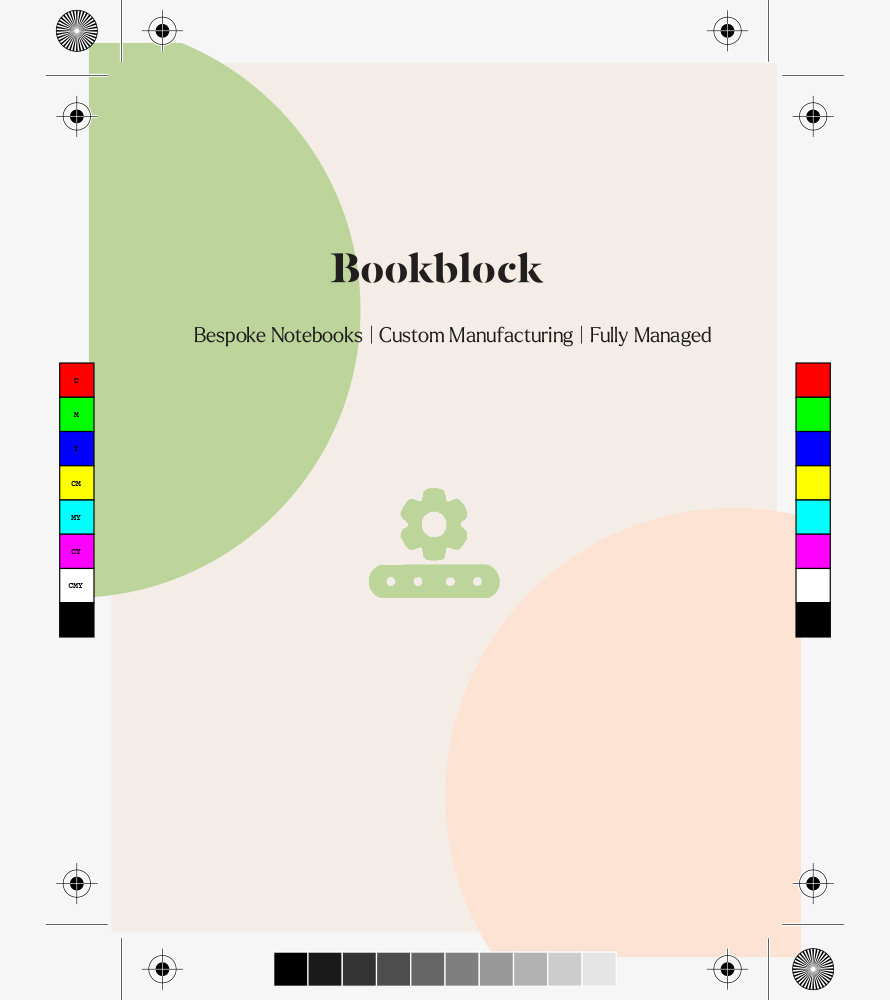
PDF File 1: Printed elements only
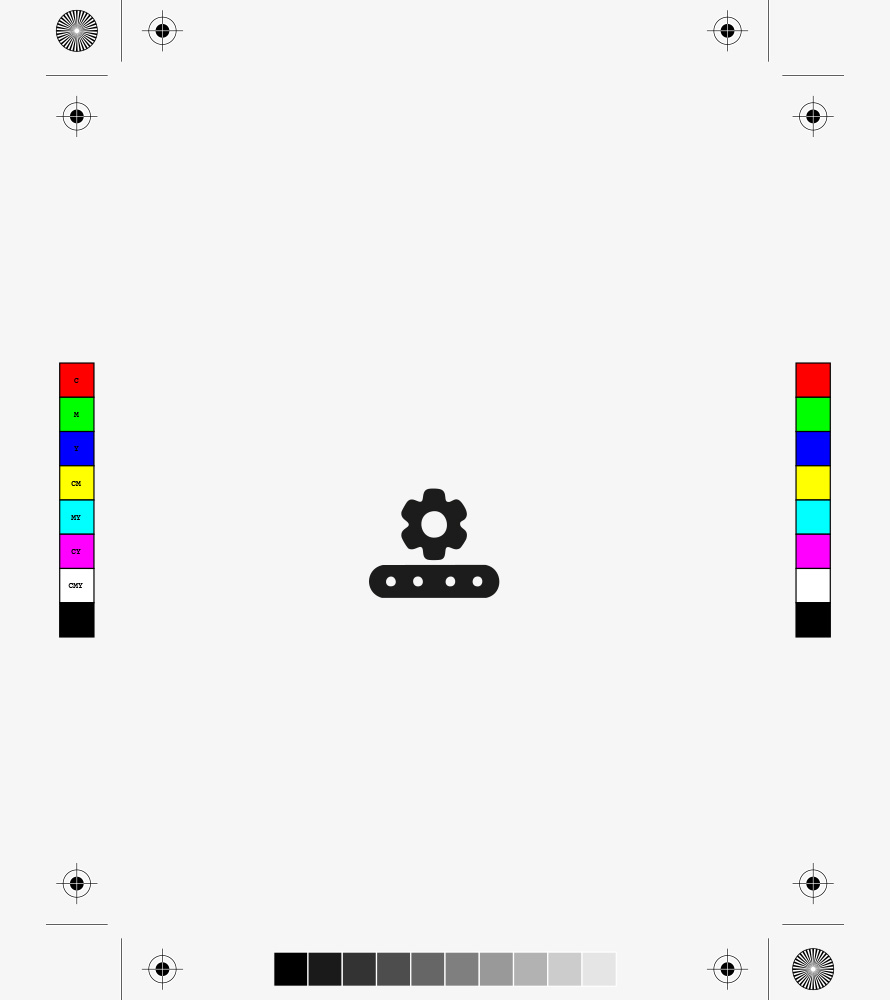
PDF File 2: Varnish elements only
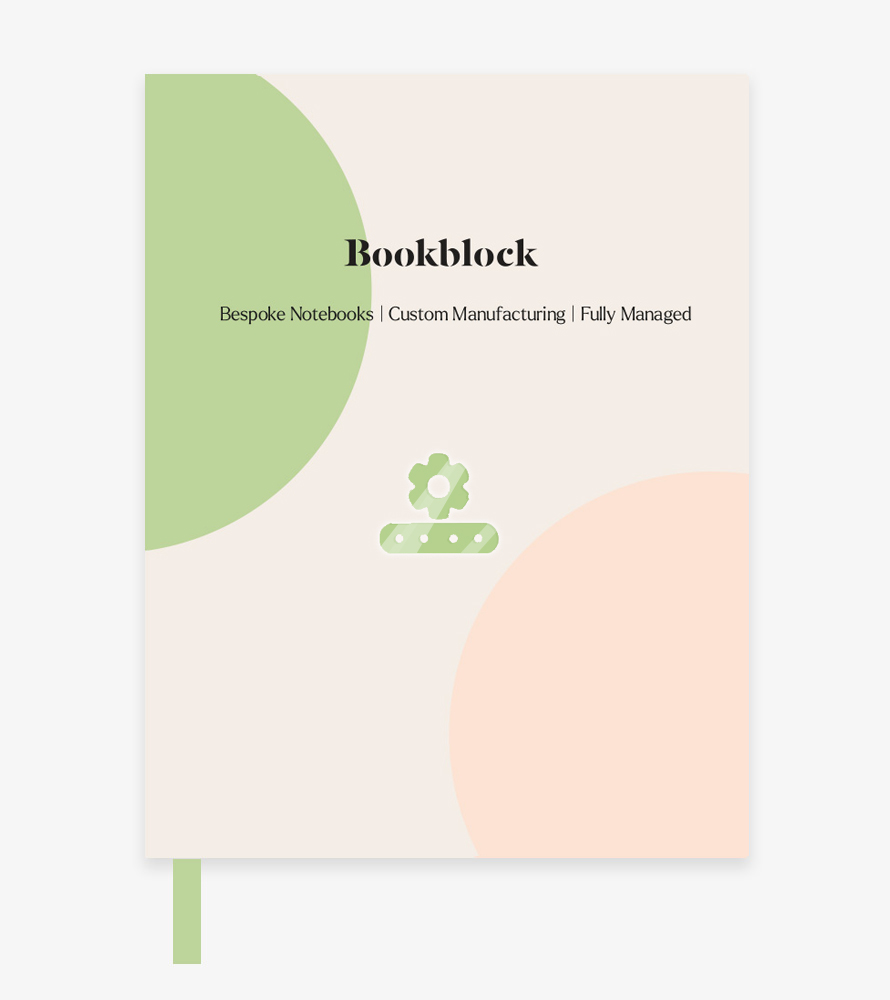
Digital proof of final design
Save the changes you made ( File > Save) to the template and your artwork is now ready for production. If you wish to make adjustments to this after saving the changes, we recommend saving the updated version as a new file (File > Save A Copy) so that you have access to both versions.