

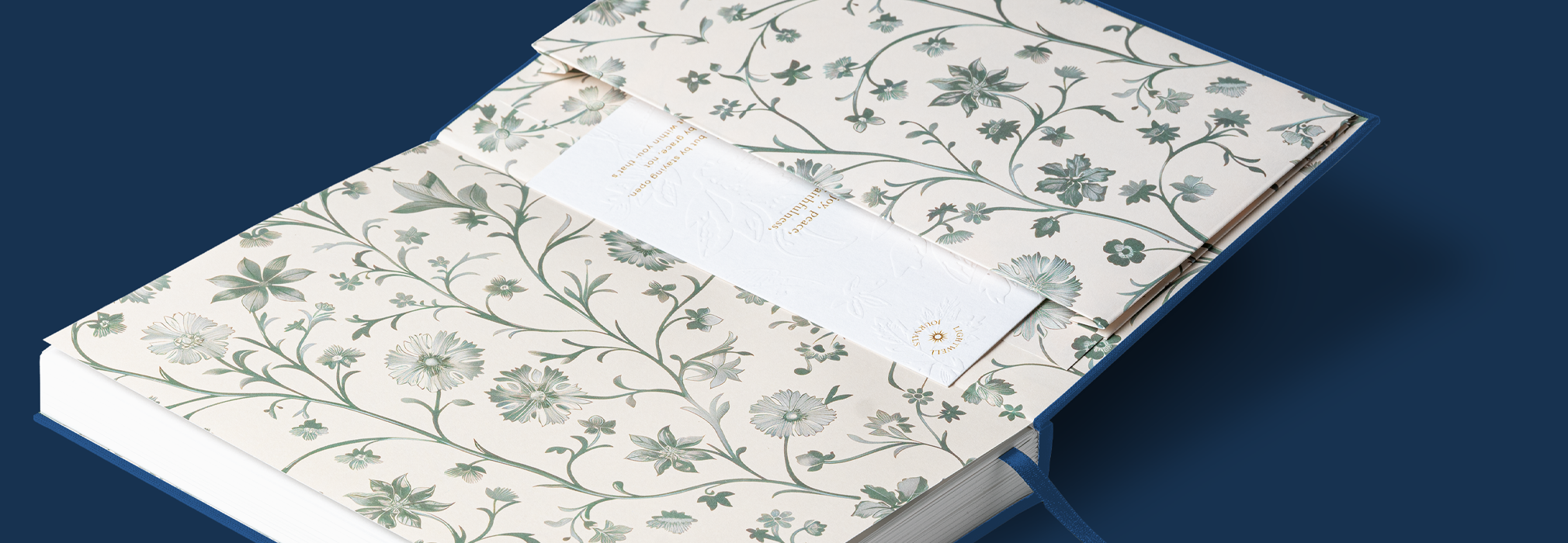
Printed Back Pocket
A back pocket is a small expandable pocket attached to the inside of a notebook’s back cover. As standard, back pockets are made using blank paper to match the inside book block. However, for journals that have printed endpapers, we will also include a pocket that will also be printed to match that design. (The endpapers of a book are the pages that line the inside of your notebook cover and make up the very first page within your notebook.)
As the back pocket is glued directly onto the back cover of the book, it is important that the design of the pocket perfectly lines up with the endpaper design if you’re featuring a patterned design.
Do’s: Add a printed message to your pocket
Dont’s: Avoid including a repeating pattern or text to overlap the pocket as the design may not always line up perfectly.
Populating our templates
We will provide a template which you can populate with your design. While working on the design please keep in mind the following notes:
- Your design elements should all be in vector format.
- Ensure all text is ‘outlined’ to make it vector format
- All images are embedded within the template file.
- PDF should be exported to CMYK Colour.
Note: Ensure to name and organise your layers correctly within the template to make adjustments easier to handle.
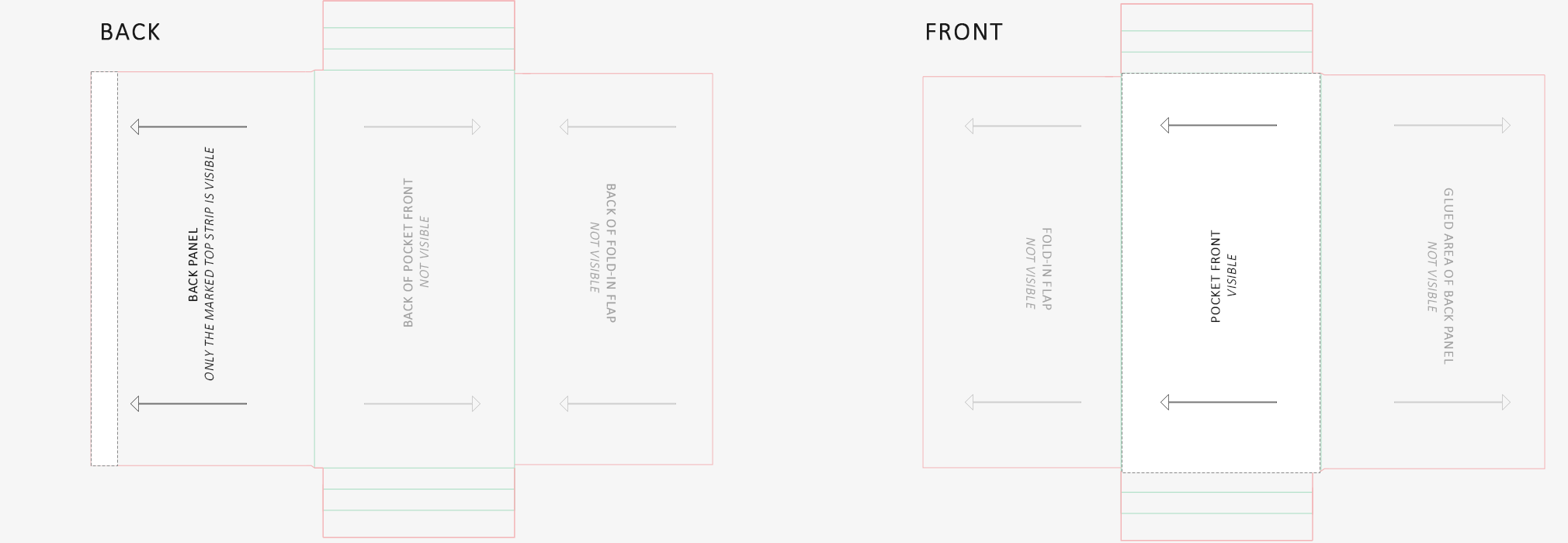
Ensuring Your Pocket Aligns Perfectly with the Endpaper Design
If your notebook features printed endpapers that contain a pattern, then you want to ensure that the pocket design sits flush with the endpaper design. The pocket is glued to the inside of the notebook’s back cover so your pocket will need to match to ‘page 3’ in your back endpaper file (example below). You can find out more information on endpaper setup here.
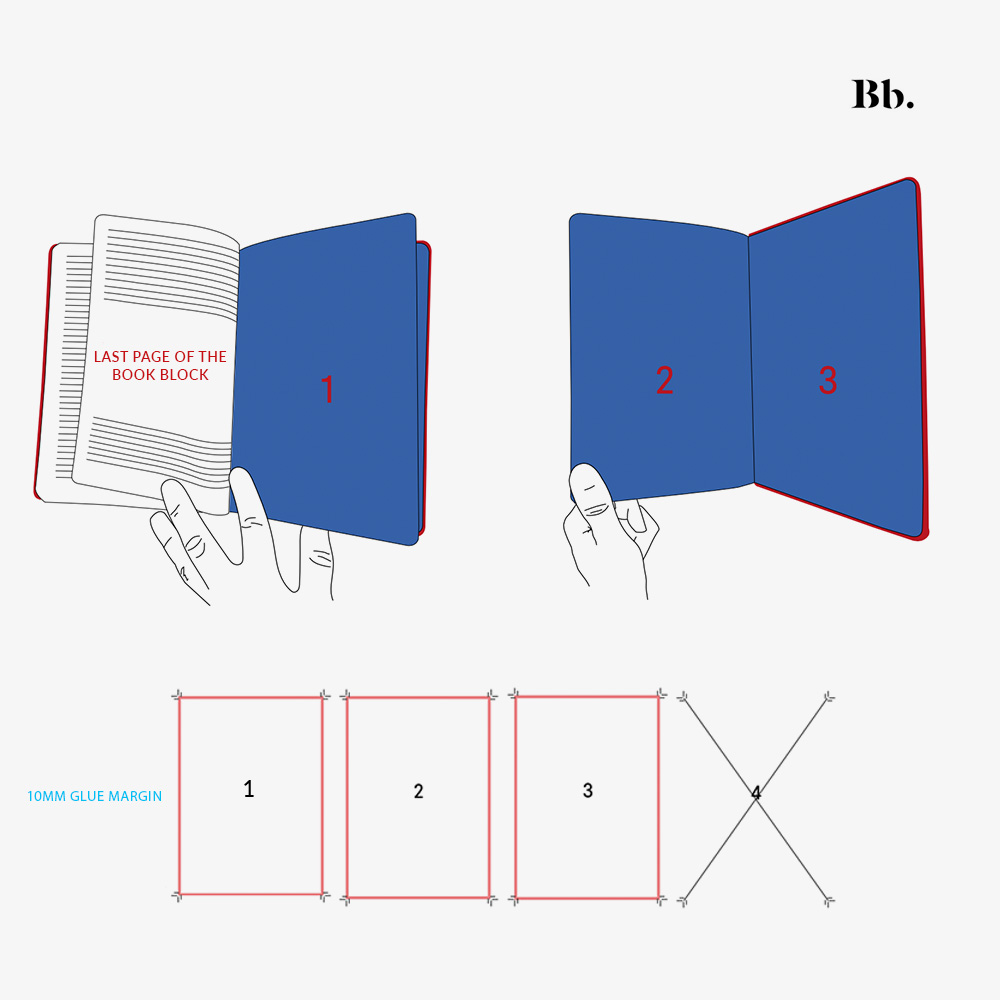
Back endpaper setup
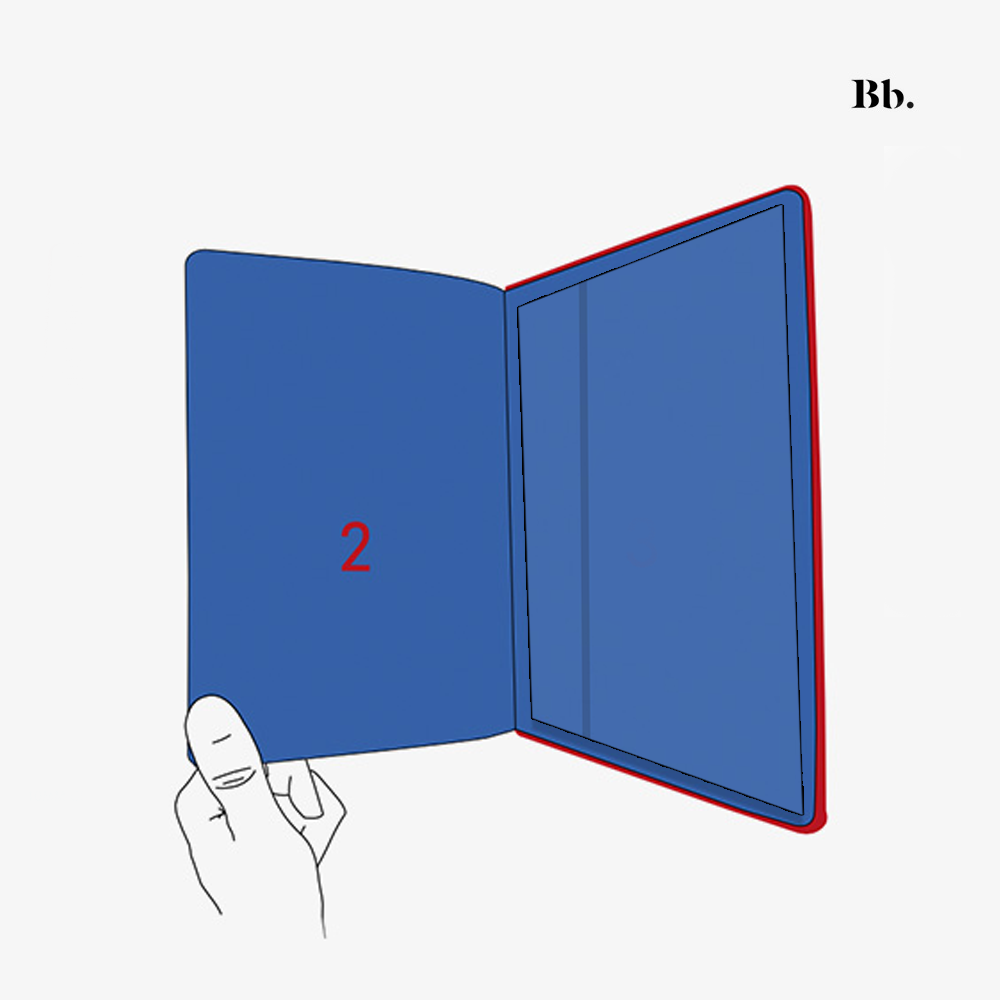
Back pocket added to the inside back cover
Creating a pocket that perfectly aligns with your endpaper can be tricky, so our team will take care of the pocket design for you. We’ll use the file you provide for your back endpaper to create it. If you’d like to add extra elements like text or logos just let your designer know, and we can provide a simple template for you to fill in.